
In ARK: Survival Ascended, if your character isn’t stuck in terrain or objects but suddenly can’t move, the most common reason is that your WEIGHT is over the limit.
Common Reasons Your Character Can’t Move
On the right side of the screen, you’ll see the WEIGHT status icon.
When the icon turns yellow, your movement speed is reduced.
When it turns red, your character will no longer be able to move.
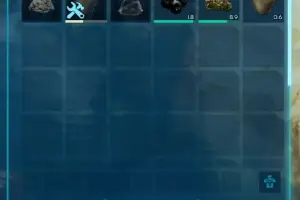
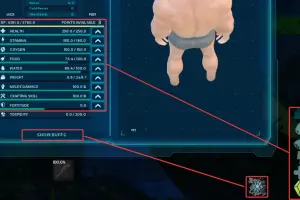
Press the I key to open your inventory. You can see your current WEIGHT value there, and each item also shows its individual weight in the bottom-right corner. This makes it easy to identify what’s causing the problem. See the image below for reference.
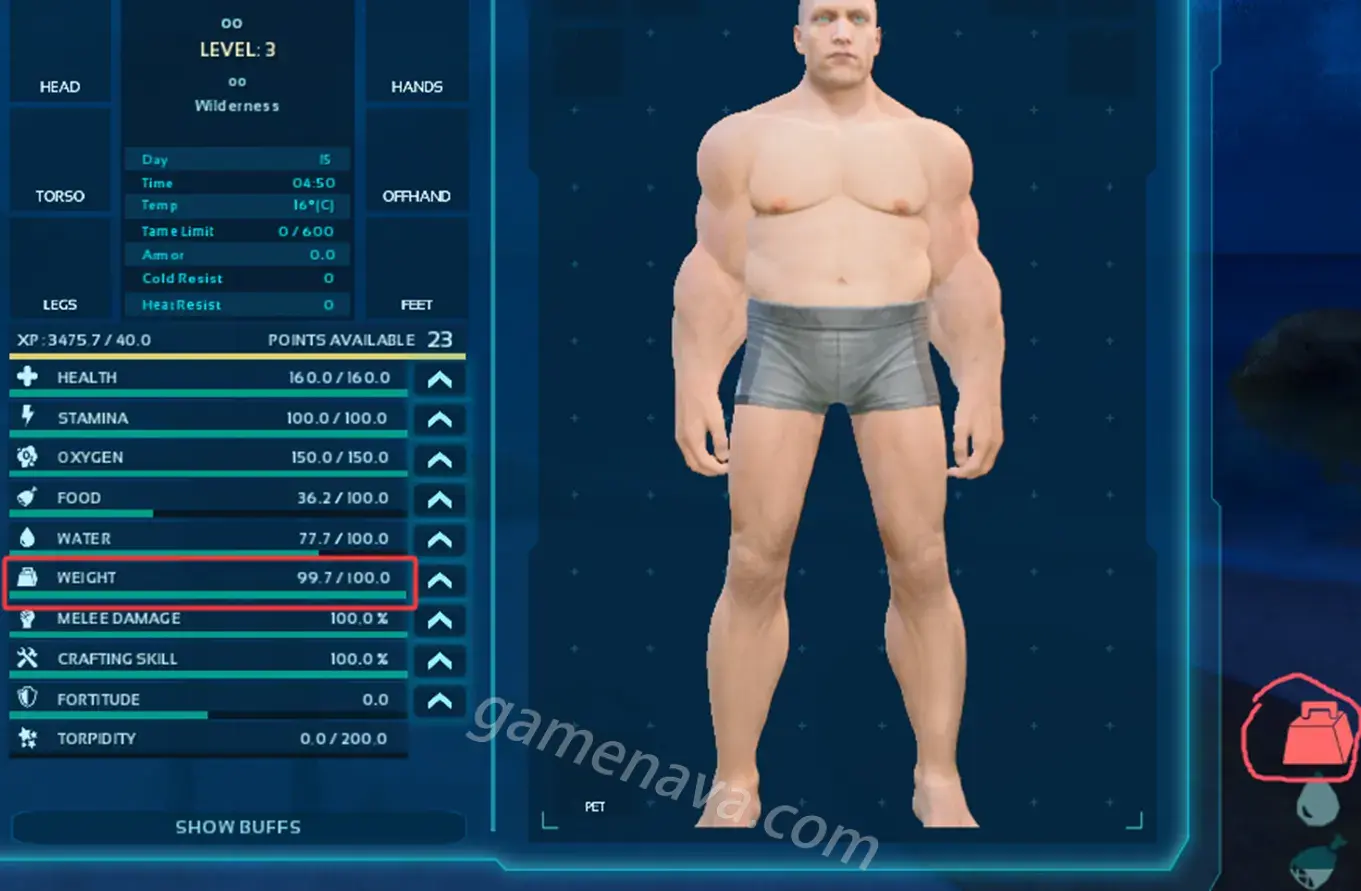
For new characters, WEIGHT is usually low at the beginning of the game. Carrying too many resources early on can easily push you over the limit and prevent movement.
How to Fix the Issue
There are two main ways to solve this problem:
1.Put points into WEIGHT
If you still have unspent attribute points, adding them to WEIGHT will increase how much your character can carry.
2. Reduce what you’re carrying
If you don’t have any points left, you’ll need to drop some items or store them in containers or on dinosaurs to lower your WEIGHT.
Once your WEIGHT returns to a normal range, your character will be able to move again immediately.